 ChipBuddy
← Home
ChipBuddy
← Home
Miscellaneous Constraints — Case Analysis, DRC & Ideal Nets
Miscellaneous Constraints — Case Analysis, DRC & Ideal Nets
Not every constraint sets a clock or a path exception. A second group of constraints tells the timing tool what is constant, what to ignore, what to treat as perfect, and what physical limits the design must respect. These are easy to overlook and easy to get wrong. This chapter covers fixing pins to constants, disabling specific timing arcs, treating nets as ideal, the design-rule checks on transition and capacitance, drive strength, and grouping paths for reporting.
Case Analysis: Fixing a Pin to a Constant
A chip often has a pin that is tied to one value during normal operation. A test-mode pin held low. A mode-select pin strapped high. When such a pin never changes, the logic behind it is effectively decided. Case analysis tells the timing tool to assume that value and propagate it.
set_case_analysis fixes a pin or port to a logic 0 or logic 1. The tool then constant-propagatesthrough the gates. Paths that can no longer toggle are pruned from analysis. This does two useful things: it removes false paths that only exist in modes you are not analyzing, and it stops the tool from wasting effort on logic that cannot switch.
# standard SDC — portable across compliant tools
# Hold the test-enable pin low so functional paths are analyzed, not scan paths
set_case_analysis 0 [get_ports test_en]
# Strap a mode select high to analyze only the high-speed mode
set_case_analysis 1 [get_ports mode_sel]
A worked example. A design has a multiplexer that picks between functional data and scan data based on scan_en . In functional mode scan_en is 0. Setting set_case_analysis 0 [get_ports scan_en] makes the tool propagate 0 through the mux select, so the scan-data input of the mux becomes unreachable. Every timing path that started in the scan chain disappears from the report. You analyze only the mode you actually ship.
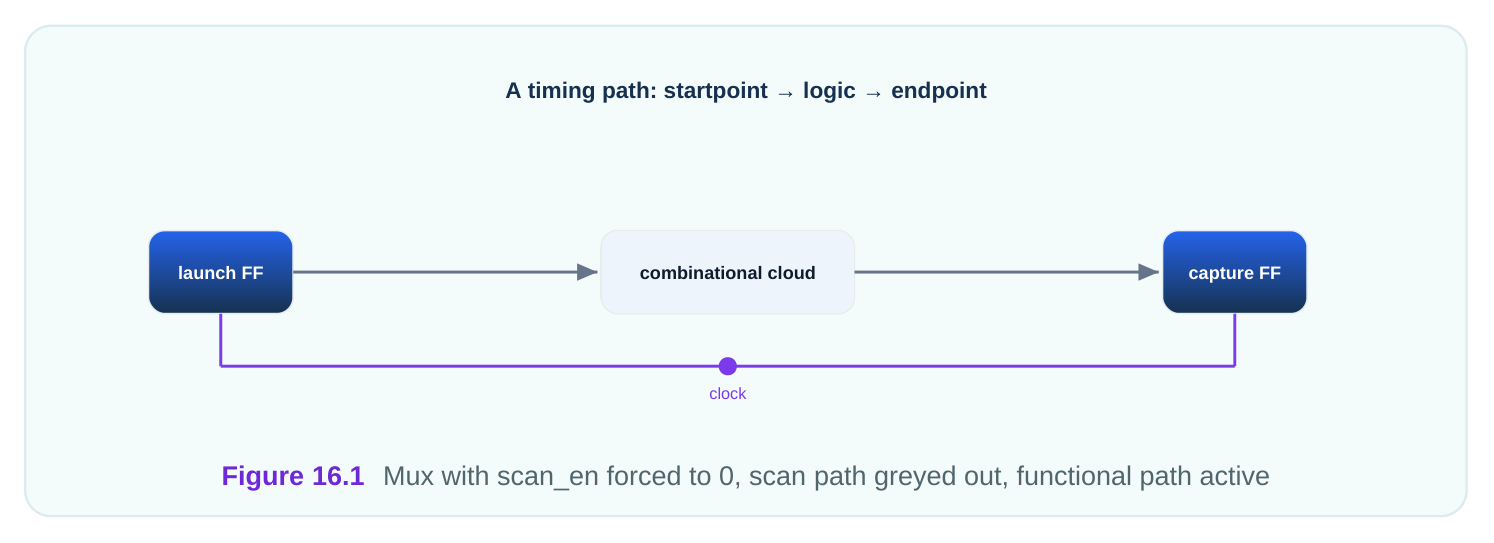
Case analysis is how you prune modes. A chip with three modes can be timed three times, each run forcing the mode pins to one combination. Each run sees only the paths that exist in that mode. Without case analysis, the tool sees a tangle of paths that can never all be active at once and reports pessimistic, meaningless violations.
Disabling Specific Timing Arcs
Sometimes a single timing arc inside a cell, or through a specific pin, should not be analyzed. An arc is a timing path through one cell, from one pin to another. set_disable_timing switches off a named arc so the tool ignores it. A common use is breaking a combinational loop. A loop is a path that feeds back on itself, which timing analysis cannot resolve because it has no clear start and end. Disabling one arc in the loop breaks the cycle so the rest can be timed.
# standard SDC — portable across compliant tools
# Disable the arc through a specific pin to break a combinational loop
set_disable_timing [get_pins loop_cell/A]
# Disable a whole cell's timing when it is not in the active path
set_disable_timing [get_cells unused_buf]
Use this sparingly. Every disabled arc is a path the tool no longer checks. If you disable the wrong arc, a real path goes unanalyzed and a real violation hides. Always record why each arc is disabled.
| Constraint | What it does | Typical use |
|---|---|---|
| set_case_analysis | Forces a pin to 0 or 1 and propagates | Prune unused modes, fix straps |
An ideal net is one the tool treats as perfect: no propagation delay, no transition limits, and the tool will not try to fix it during optimization. You declare a net ideal when you do not yet want it analyzed or buffered like normal logic. Clocks are the classic example. Early in the flow, before clock-tree synthesis builds the real distribution network, the clock is treated as ideal. An ideal clock arrives at every flip-flop at the same instant with zero skew. This lets you constrain and optimize the data paths first, then deal with the real clock tree later.
# standard SDC — portable across compliant tools
# Treat the reset distribution as an ideal network (not optimized as logic)
set_ideal_network [get_ports rst_n]
The contrast is the propagated clock. A propagated clock uses the real delays of the built clock tree, so different flip-flops see the edge at slightly different times. That difference is skew. Early runs use ideal clocks for simplicity; sign-off uses propagated clocks for accuracy.
| Net treatment | Delay modeled | DRC applied | When used |
|---|---|---|---|
| Ideal | None | No | Early flow, reset, pre-CTS clocks |
| Propagated | Real, from the tree | Yes | After clock-tree synthesis, sign-off |
Treating a reset or a test clock as ideal keeps the tool from spending effort optimizing nets that will be handled specially. The risk is forgetting to switch a clock from ideal to propagated before sign-off, which hides all the skew the real tree adds.
Design-Rule Checks: Transition, Capacitance, Drive
Design-rule checks (DRCs) are limits the physical design must respect regardless of timing. They protect the silicon from electrical conditions that the library was never characterized for. Two matter most.
set_max_transition limits how slowly a signal may switch. Transition is the time an edge takes torise or fall. A slow edge means the gate spends a long time in its switching region, which wastes power and makes delays unreliable. You cap it.
set_max_capacitance limits how much load a driver may see. Capacitance is the electrical load on anet, mostly from the gates and wire it drives. Too much load and the driver cannot switch the net within its characterized range.
# standard SDC — portable across compliant tools
# Cap transition at 0.35 ns and capacitance at 0.18 pF across the design
set_max_transition 0.35 [current_design]
set_max_capacitance 0.18 [current_design]
These are not about meeting a clock. A path can meet timing with margin and still violate a transition limit. The tool fixes DRC violations by adding buffers or upsizing drivers. Treating them as recap: they were introduced as electrical limits, and here they sit alongside case analysis and ideal nets as the non-timing rules the design obeys.
set_drive sets the strength of the driver that feeds an input port from off-chip. Strength is the inverseof the driver's resistance: a stronger driver makes sharper edges and drives more load. By giving an input port a drive value, you model how quickly the outside world can push that signal, which feeds into the transition the on-chip logic sees.
# standard SDC — portable across compliant tools
# Model a moderately strong off-chip driver on a data input
set_drive 0.12 [get_ports data_in]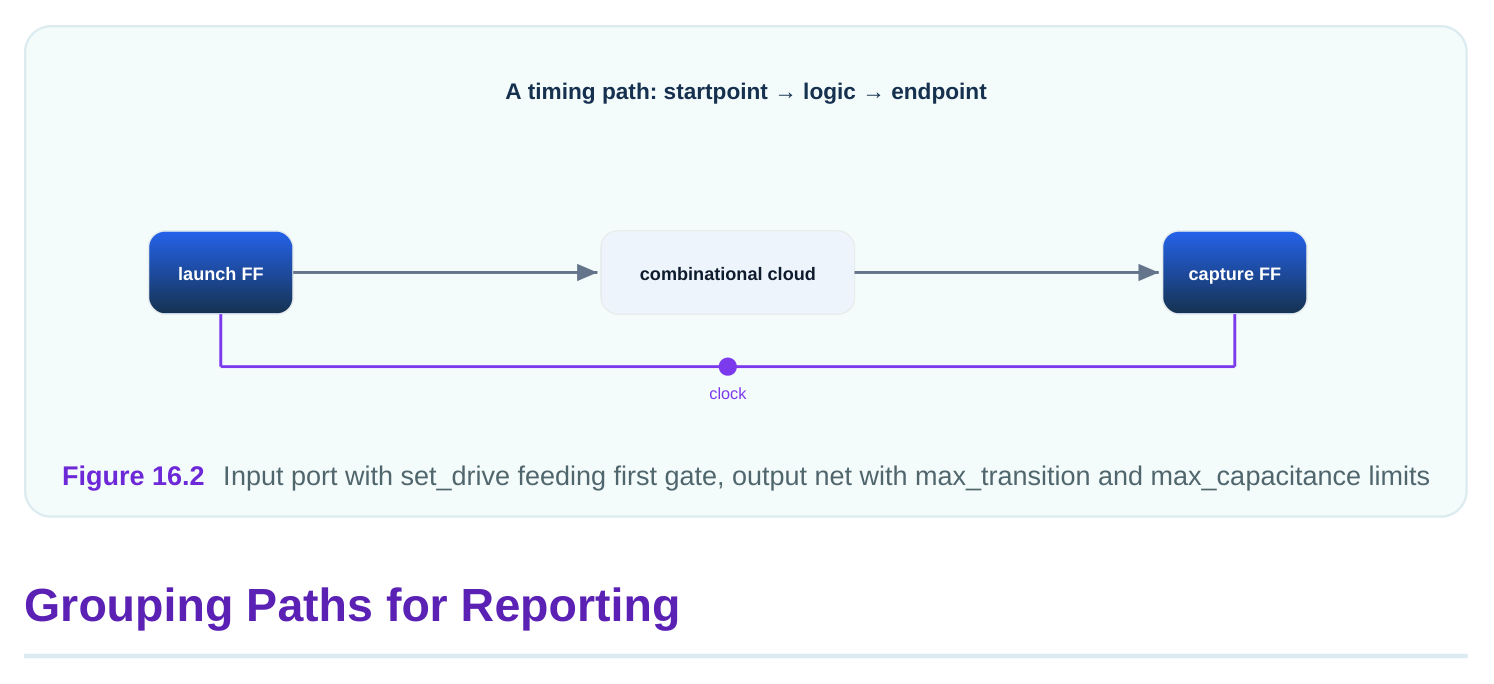
group_path collects a set of paths into a named group. This does not change timing. It changes how the tool reports and, in some flows, how it weighs effort. Grouping lets you see the worst path in each category separately instead of one giant pile.
# illustrative — names vary by tool
# Group all paths ending at output ports for separate reporting
group_path -name outputs -to [all_outputs]
# Group register-to-register paths into their own bucket
group_path -name reg2reg -from [all_registers] -to [all_registers]
A worked example. A team wants to know separately how their input paths, output paths, and internal paths are doing. They create three groups: inputs , outputs , and reg2reg . The timing report then shows the worst slack in each group on its own line. The output paths might be the worst at minus 0.08 ns while the internal paths have plenty of margin. Without grouping, the single worst path hides which category needs attention.
| Group target | Captures | Why separate |
|---|---|---|
| [all_inputs] | Paths from input ports | Depends on external delays |
| [all_outputs] | Paths to output ports | Depends on external requirements |
| register to register | Internal paths | Pure on-chip logic |
Grouping is a reporting and triage aid. It tells you where to look first. The slack numbers do not change; only the way they are sorted and presented does.
Interview Q&A
1 and propagates that value through the logic. Paths that can no longer toggle are pruned. This removes false paths from modes you are not analyzing, such as scan paths when scan_en is forced to 0, and saves the tool from analyzing logic that cannot switch.
pin values. By forcing those pins with case analysis, you run timing once per mode and see only the paths that exist in that mode. Without it, the tool sees paths from all modes at once and reports violations on paths that can never be active together.
a combinational loop that analysis cannot resolve, or to ignore a cell that is not in the active path. Use it sparingly and document each one, because a disabled arc is a path the tool no longer checks, which can hide a real violation.
reaches every flip-flop at the same instant with zero skew and no modeled tree delay. A propagated clock uses the real delays of the built clock tree, so flip-flops see the edge at slightly different times, producing skew. Early runs use ideal clocks; sign-off uses propagated clocks for accuracy.
timing checks? They limit electrical conditions, the edge rate and the load, that the library was characterized within, regardless of whether a path meets its clock. A path can have positive slack and still violate a transition limit. The tool fixes these by buffering or upsizing, separate from closing timing.
groups so the report shows the worst slack per category separately, which helps triage. It does not change any path's slack or whether the design meets timing. It is purely an organizing and effortweighting aid for reporting.
Key Takeaways
- set_case_analysis fixes a pin to a constant and prunes paths, which is how you analyze one mode at a time.
- set_disable_timing turns off one arc, useful for breaking loops, but every disabled arc is an unchecked path.
- Ideal nets and ideal clocks are treated as perfect early on; switch clocks to propagated before sign-off.
- Transition and capacitance limits are electrical DRCs, independent of whether a path meets its clock.
- group_path only reorganizes reporting, letting you see the worst slack per category without changing any timing.
Comments
Leave a Reply