 ChipBuddy
← Home
ChipBuddy
← Home
Clock Groups in Depth
Clock Groups in Depth
The set_clock_groups command is one of the most powerful tools in SDC. With one line it can remove huge numbers of timing checks between clocks. That power makes it both useful and dangerous. Used right, it cleans up reports and matches reality. Used wrong, it hides real failures. This chapter goes deep on set_clock_groups . It covers the asynchronous option, the two kinds of exclusive option, how groups remove checks, multiplexed clocks, and the common ways people misuse the command.
What a Clock Group Actually Does
By default, the timing tool checks paths between every pair of clocks. If two clocks share any logic, the tool times that crossing. Sometimes that is right. Sometimes it is wrong, because the two clocks never operate together or have no fixed relationship.
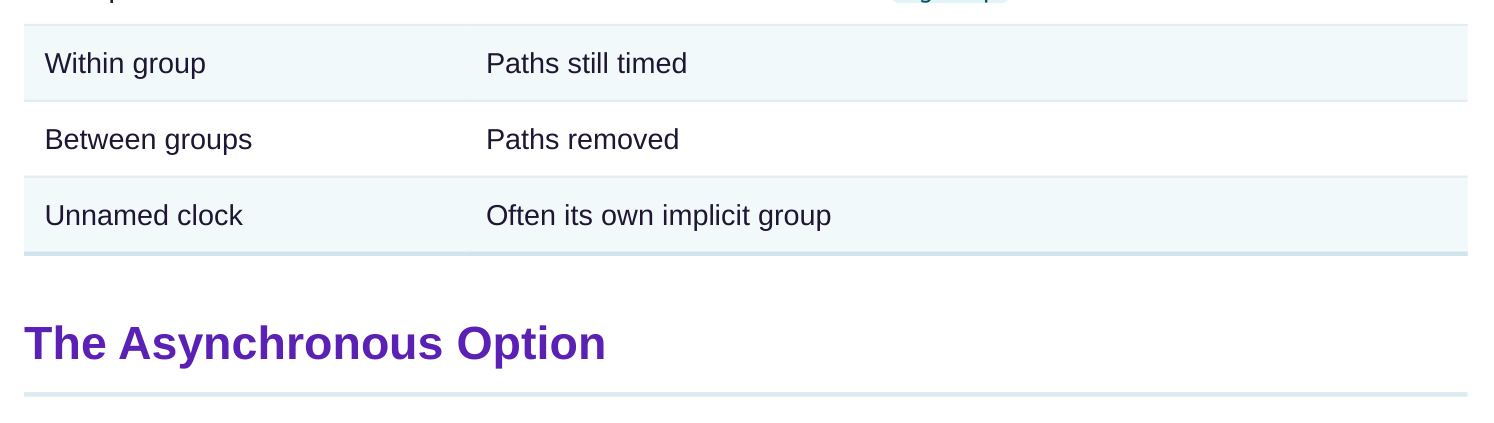
set_clock_groups declares relationships between clocks. You list clocks in groups. The tool thenstops checking paths between clocks in different groups. Paths within a group are still checked normally. The mental model is simple. Clocks in the same group are still timed against each other. Clocks in different groups are not timed against each other. The command builds walls between groups.
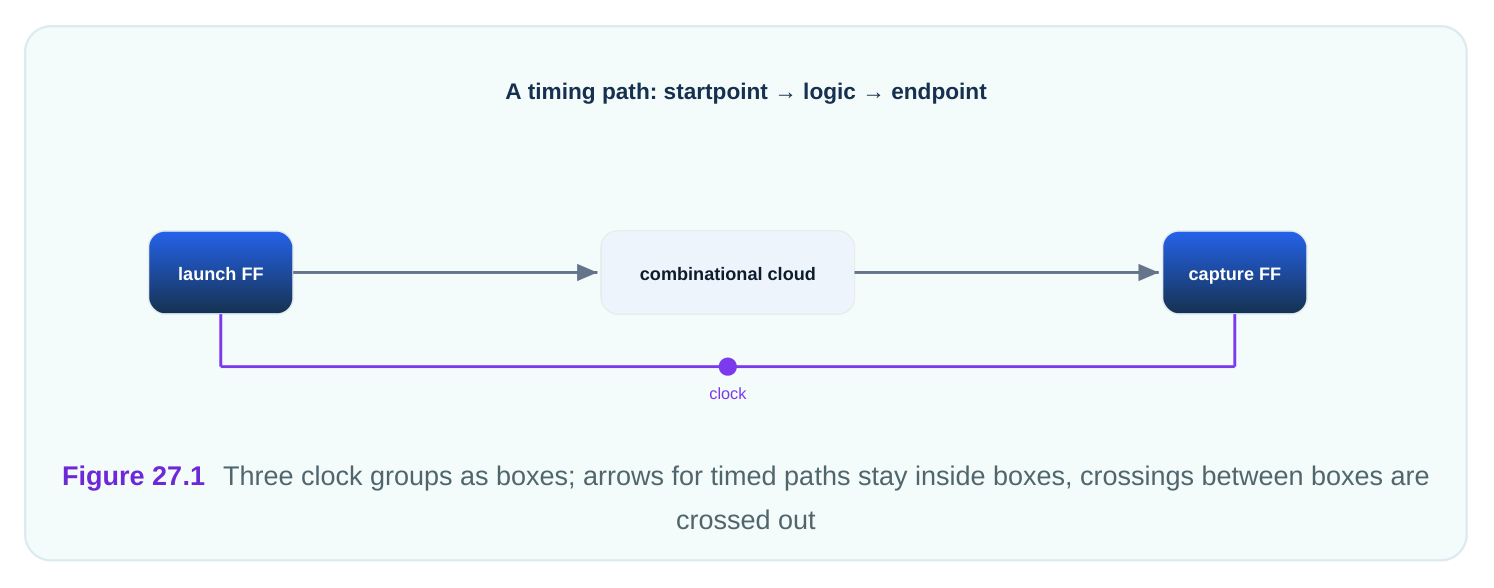
The command takes one or more -group options. Each -group lists the clocks in that group. Any clock not named is, in many flows, treated as its own implicit group, but it is safer to name every clock you care about.
| Term | Meaning |
|---|---|
| Group | A set of clocks listed under one -group |
The -asynchronous option says the groups have no fixed timing relationship. The clocks drift against each other. This is the case for unrelated oscillators or clocks from separate sources. When you use -asynchronous , the tool removes both setup and hold checks between the groups. There is nothing meaningful to check, because the edges never hold a fixed gap. You typically pair this with synchronizer circuits in the hardware.
# standard SDC — portable across compliant tools
create_clock -name core_clk -period 2.41 [get_ports core_clk_in]
create_clock -name io_clk   -period 3.78 [get_ports io_clk_in]
create_clock -name aux_clk  -period 5.13 [get_ports aux_clk_in]
# all three drift independently
set_clock_groups -asynchronous \
-group {core_clk} \
-group {io_clk} \
-group {aux_clk}
This single command removes every crossing among the three clocks in both directions. The core-toio, io-to-aux, and core-to-aux paths all stop being timed. That is a lot of cleanup from three lines. A subtle point: clocks listed in the same group are still timed. So if two clocks are related to each other but both async to a third, you put the two related ones in one group and the third in its own group.
The Exclusive Option: Logically vs Physically
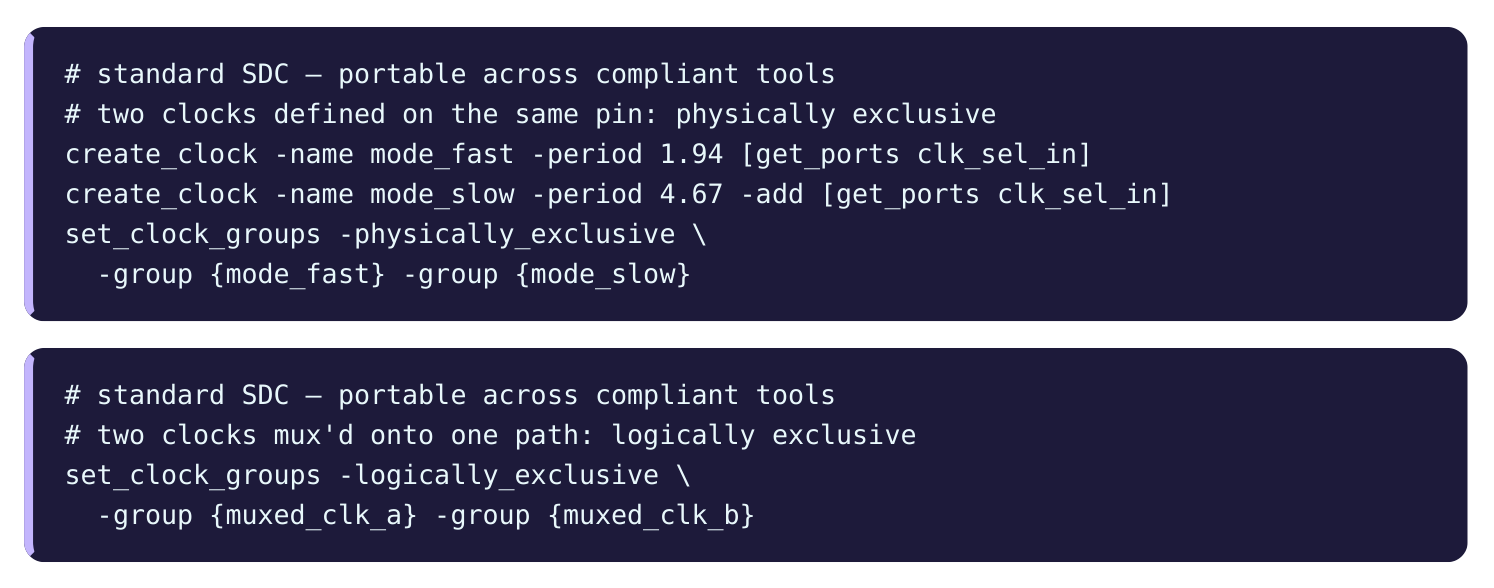
The -exclusive option says the clocks never run at the same time. Only one is active at any moment. This is different from asynchronous, where both run but unrelated. There are two shades of exclusive, and they matter. Logically exclusive means two clocks share a wire or a path but are never both active. A common case is two clocks feeding a multiplexer, where the select line picks one. Only one clock reaches the output at a time. They share the path but never overlap in use. Physically exclusive means two clocks are defined on the very same source pin, so they can never physically coexist. For example, two create_clock commands on one port, each describing a different operating mode. Only one is real at any time. The difference shows up in how crosstalk and noise are handled. Logically exclusive clocks may still couple on shared wires, so some flows keep noise analysis between them. Physically exclusive clocks cannot coexist at all, so noise between them is meaningless.
| Option | Clocks run together? | Typical case | Noise between them |
|---|---|---|---|
| -asynchronous | Yes, but unrelated | Separate oscillators | Kept (they coexist) |
| -logically_exclusive | No, mux selects one | Two clocks into a mux | Often kept (shared wire) |
| -physically_exclusive | No, same source pin | Two modes on one port | Dropped (cannot coexist) |
Multiplexed Clocks in Detail
A clock multiplexer, or clock mux, picks one of several clocks to drive a downstream block. A select signal chooses which clock passes through. Only one clock reaches the output at any time. Without help, the tool sees both source clocks propagating through the mux to the output. It then times paths that mix the two clocks. But those mixed paths cannot happen in real life, because only one clock is selected. The mixed paths are false.
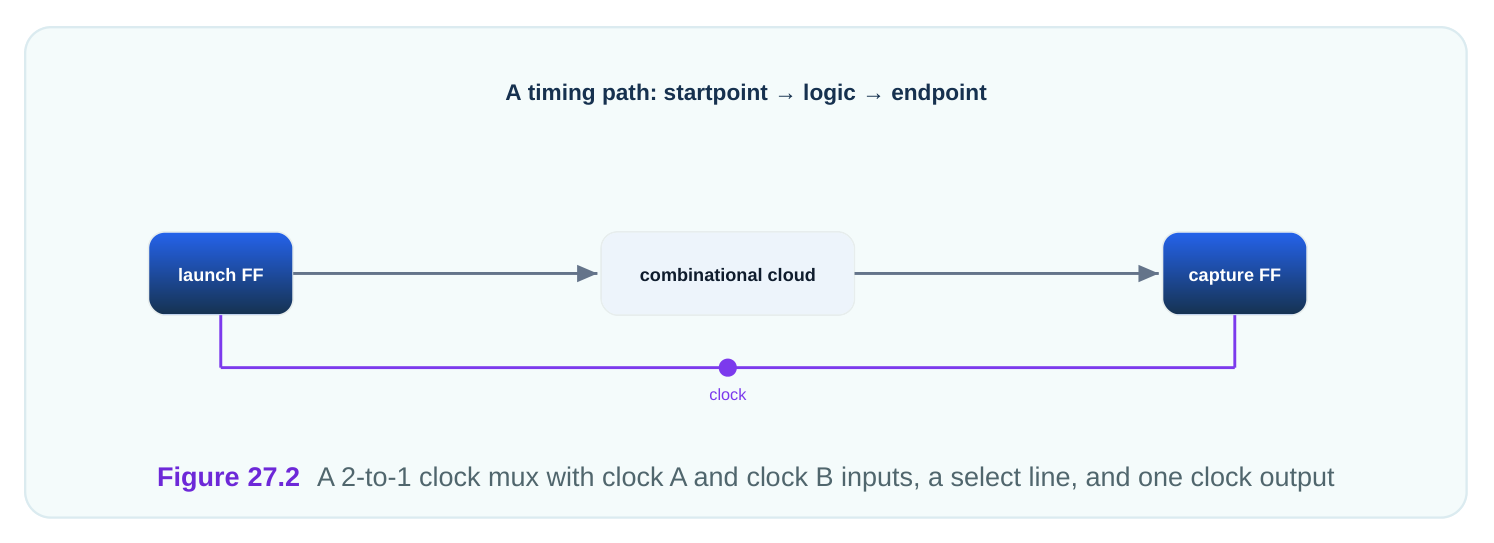
You fix this by declaring the two source clocks logically exclusive. Then the tool stops timing paths that mix them. It still times each clock's own paths through the mux when that clock is selected.
# Worked illustrative example — mux'd clock check count
Clocks into mux              = 2  (mux_a at 416.0 MHz, mux_b at 233.5 MHz)
Default cross-clock pairs    = mux_a->mux_b and mux_b->mux_a  = 2 false relations
After set_clock_groups -logically_exclusive:
Cross-clock relations timed  = 0
Same-clock relations timed   = mux_a->mux_a, mux_b->mux_b      = 2 real relations
The result: the two impossible cross-clock relations vanish, and the two real same-clock relations stay. The report now matches what the hardware can actually do. Some flows prefer to model the mux with mode-based analysis instead, defining each clock only in its own mode. That is cleaner when the modes are fully separate. Clock groups are handy when both clocks must be defined together.
Common Misuse of Clock Groups
The power of set_clock_groups invites misuse. The command quietly deletes checks, so a wrong group looks like a clean report.
The most common misuse is grouping related clocks as asynchronous. Two clocks derived from one source, with a clean 2-to-1 ratio, are related. They should be timed. If you mark them asynchronous, you delete real setup and hold checks. The chip may then fail in a path that the tool never reported. A second misuse is using -asynchronous when -exclusive is correct, or the reverse. Asynchronous clocks coexist and need crosstalk handling. Exclusive clocks do not coexist. Picking the wrong one mishandles noise analysis. A third misuse is leaving a clock out of every group by accident. The tool may then time it against clocks it should not, or treat it as its own group when you wanted it grouped. Always account for every clock.
| Misuse | Consequence | Fix |
|---|---|---|
| Related clocks as async | Real checks deleted | Time related clocks; group only unrelated |
| Async vs exclusive mixup | Wrong noise handling | Match option to physical reality |
| Forgotten clock | Unintended grouping | List every clock explicitly |
| Overbroad groups | Too many checks removed | Keep groups as narrow as truth allows |
A good habit is to review the group report after every change.
# illustrative — names vary by tool
report_clock_groups
check_timing
The first lists the declared groups so you can confirm they match intent. The second flags clocks with no relationship declared, which often reveals a forgotten clock. A final guideline: declare the least you can. Every group you add deletes checks. Delete only the checks you can prove are not real. If two clocks might ever interact, keep them timed until you are sure.
Interview Q&A
tool stops checking paths between clocks in different groups. Clocks in the same group are still timed against each other; clocks in different groups are not. One command can remove thousands of checks. For example, putting core_clk, io_clk, and aux_clk in three groups removes all crossings among them.
both run but have no fixed relationship; their edges drift, like two separate oscillators at 2.41 ns and 3.78 ns periods. Exclusive clocks never run at the same time; only one is active. Asynchronous clocks coexist, so noise between them still matters. Exclusive clocks may not coexist at all.
path, such as two clocks into a mux, but a select line ensures only one is active, so they often still couple on the shared wire. Physically exclusive clocks are defined on the same source pin, so they truly cannot coexist, and noise analysis between them is dropped entirely.
pass through the mux and times false mixed-clock paths. Declaring the two source clocks logically exclusive removes those impossible cross-clock relations. With a 416.0 MHz and a 233.5 MHz clock, the two false cross relations vanish and the two real same-clock relations remain.
asynchronous. Two clocks from one source with a clean ratio are related and should be timed. Marking them async deletes real setup and hold checks, so a genuine failing path never appears in the report. The chip can then fail in the lab on a path the tool was told to ignore.
checks, so only remove checks you can prove are unreal. Account for every clock explicitly so none is grouped by accident. Match the option to physical reality: asynchronous for unrelated coexisting clocks, exclusive for clocks that never run together. Review the group report and run a timing check after each change.
Key Takeaways
- Clock groups build walls between clocks: paths within a group stay timed, paths between groups are removed.
-asynchronousis for unrelated coexisting clocks, removing both setup and hold checks while noise analysis is kept.- Logically exclusive clocks share a path (mux) and may still couple, while physically exclusive clocks share a source pin and cannot coexist.
- Multiplexed clocks need a logically-exclusive declaration to delete the false mixed-clock paths the tool would otherwise time.
- The deadliest misuse is calling related clocks asynchronous, which silently deletes real checks; always declare the least you can prove.
Comments
Leave a Reply