 ChipBuddy
← Home
ChipBuddy
← Home
Disabling Timing Arcs & Breaking Loops
Disabling Timing Arcs & Breaking Loops
A timing tool walks paths through the design. It follows "arcs." An arc is a timing relationship inside a cell or across a net. Inside a gate, an arc links an input pin to an output pin. The tool uses arcs to know how a change at one pin reaches another. Most arcs should stay active. But some arcs cause trouble. They form loops, or they describe transitions that never happen in the real job. When an arc causes trouble, you disable it. Disabling an arc tells the tool to ignore that one relationship. The path that used the arc is no longer traced through that point. This chapter explains how to disable arcs, how loops form, how to break them, and the danger of hiding real paths by mistake.
What set_disable_timing Does
The command set_disable_timing removes a timing arc from analysis. You aim it at a pin, a cell, or a specific arc inside a cell. After you disable it, the tool will not propagate timing through that point. The structure stays in silicon. Only the analysis changes.
# standard SDC — portable across compliant tools
set_disable_timing [get_pins fb_and/A]
set_disable_timing -from [get_pins gate1/I0] -to [get_pins gate1/Z] [get_cells gate1]
The first line disables every arc that touches input pin A of a feedback AND gate. The second line is more precise. It disables only the arc from input I0 to output Z inside one cell. Other arcs in that cell still work. The -from and -to options let you target one arc and leave the rest alive. Why be precise? A cell may have several arcs. A two-input gate has an arc from each input to the output. If you disable the whole cell, you kill both arcs. Sometimes you want only one gone. The targeted form keeps the other arc working, so real paths through that cell still get timed. Arcs also have a direction. An arc from input A to output Z is not the same as an arc from input B to output Z. Each describes a separate cause-and-effect inside the gate. Some cells even have "conditional" arcs, where the delay depends on the state of another input. When you target an arc, you target one of these direction-specific relationships. This is why the -from / -to form is the safest tool for surgery: it names exactly which cause-and-effect to remove and leaves the others untouched.
| Form of command | What it disables | When to use |
|---|---|---|
| pin only | all arcs touching that pin | a pin that should never propagate |
| cell only | all arcs inside the cell | the whole cell is out of play |
| -from / -to | one named arc | surgical break, keep other arcs |
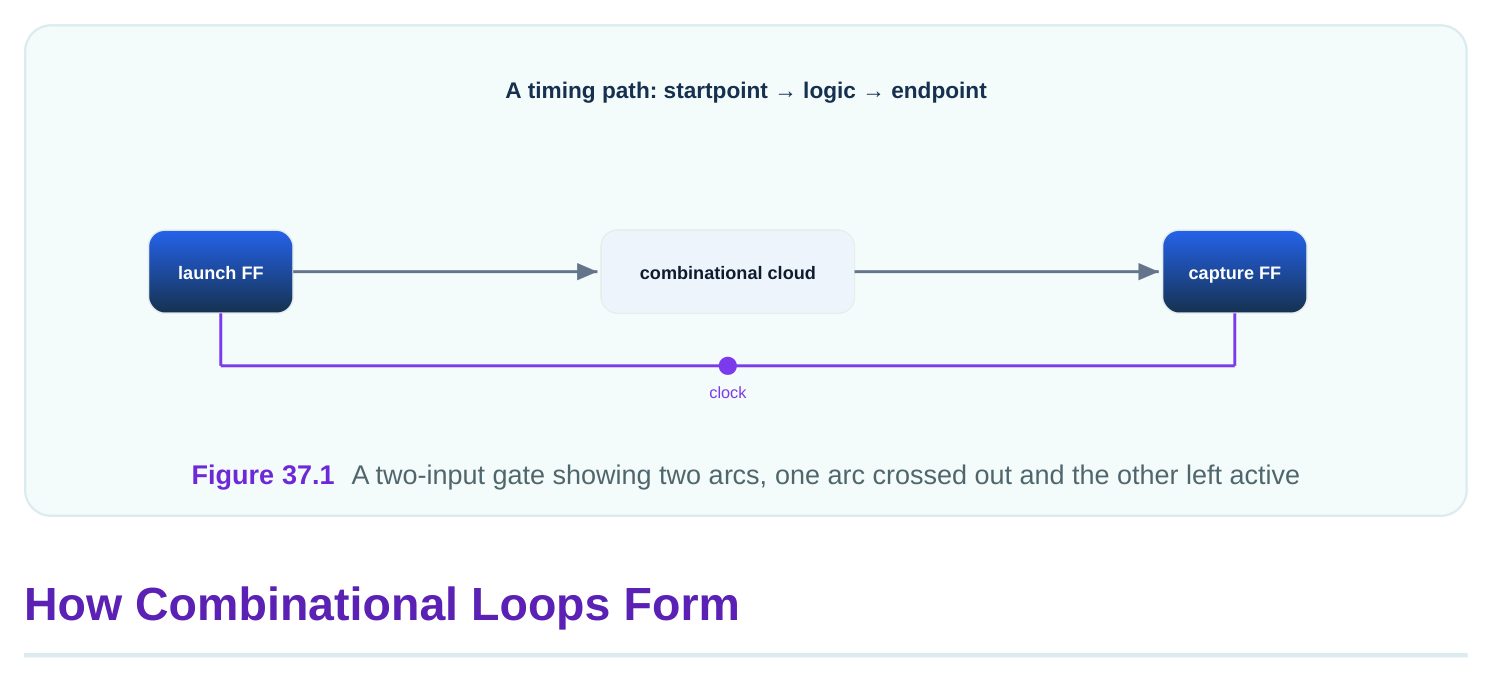
A "combinational loop" is a ring of gates with no flip-flop in it. The output feeds back to the input through pure logic. The tool tries to trace the path. But the path returns to where it started. So the trace never ends. The tool sees an endless ring. Loops appear for real reasons. A latch built from gates can form a loop. A "keeper" cell that holds a bus value forms a loop. A configurable logic block may wire a loop that only closes in one rare mode. Some loops are real and intended. Others are accidental glitches in the netlist.
The tool cannot time an endless ring. It must break the ring at some point. If you do not choose the break point, the tool picks one on its own. The tool's automatic pick may land on an arc you care about. That can hide a real path. So it is better to choose the break yourself.
| Loop source | Real or accident | Typical fix |
|---|---|---|
| gate-built latch | real | disable the weak feedback arc |
| bus keeper | real | disable keeper-to-net arc |
| miswired feedback | accident | fix netlist, not SDC |
| mode-only ring | real in one mode | disable per mode |
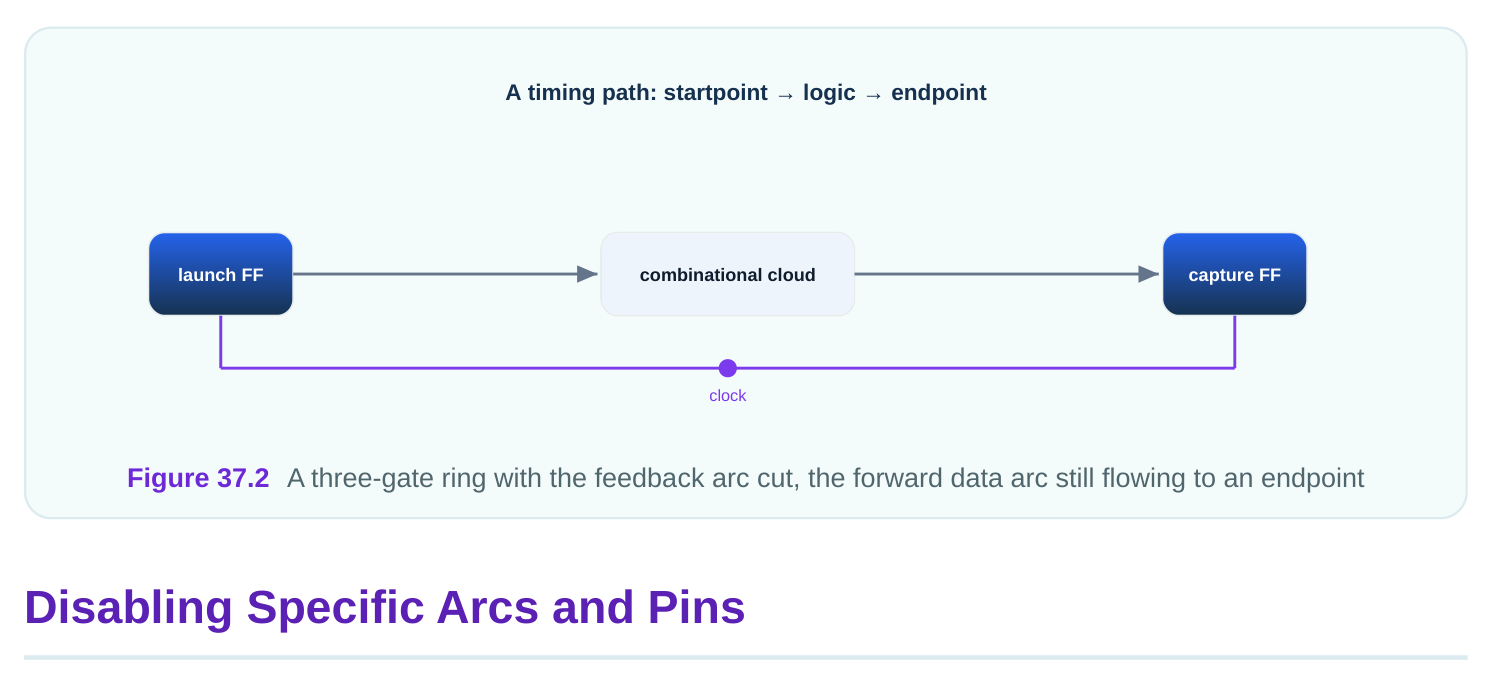
A worked illustration. Suppose three gates form a ring: G1 to G2 to G3 and back to G1. The tool reports "loop detected" and breaks it at the G3-to-G1 arc on its own. That break point sits on a path you need to check. Your real path now reads a strange number because the break cut it. If instead you disable the feedback arc inside the latch, the ring opens at a harmless point. The real path stays whole.
Breaking Loops on Purpose
You break a loop by disabling one arc in the ring. Pick the arc that carries the least useful timing. For a latch-style loop, that is usually the feedback arc, not the forward arc. The forward arc carries the data you care about. The feedback arc only holds the value.
# standard SDC — portable across compliant tools
# open a gate-built latch loop at the feedback path
set_disable_timing -from [get_pins keep_nand/A] -to [get_pins keep_nand/Z] [get_cells
keep_nand]
This opens the ring at the feedback NAND. The forward data arc through the latch still gets timed. So the path that writes the latch is still checked. Only the holding loop is cut. After you break a loop, confirm the tool sees no remaining loops. Use a report.
# illustrative — names vary by tool
report_timing_loops
report_disabled_arcs -summary
The first report lists any loop still open or still auto-broken. The second lists every arc you disabled plus any the tool disabled itself. Compare the two. If the tool broke a loop you did not break, find that loop and break it yourself at a safe arc. Then re-run. Repeat until the tool reports no auto-breaks. A worked illustration with numbers. A design has 4 loops. After your SDC, the report shows 1 loop still auto-broken by the tool. You inspect it. The auto-break sits on a forward data arc with a 0.83 ns delay
that feeds a real endpoint. You add one set_disable_timing on the loop's feedback arc instead. Rerun. Now the report shows 0 auto-breaks, and the 0.83 ns forward arc is back in play. The endpoint that was hidden now appears with a real slack of 0.146 ns.
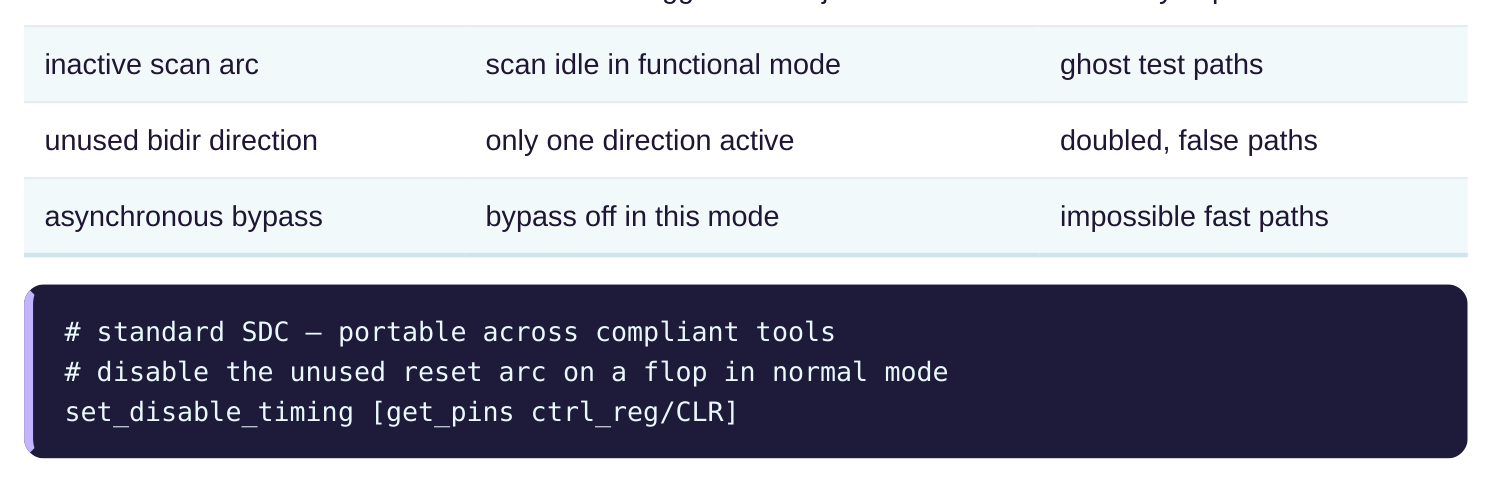
Not every disable is about loops. Sometimes an arc describes a transition that the real job never uses. A library cell may list an arc that only applies to a configuration you do not use. Timing that arc would create a path that cannot run. You disable it to keep the path list honest. Common targets include unused scan arcs, unused set or reset arcs, and bidirectional pins where only one direction is active. A bidirectional pin can drive out or read in. If your job only reads in, the driveout arc is dead. You disable it.
| Arc to disable | Reason | Risk if left on |
|---|---|---|
| unused set/reset | reset never toggles in this job | false async paths |
There is overlap with case analysis from the prior chapter. Case analysis fixes a value and lets the tool prune by propagation. Disabling an arc removes one relationship by hand. Often you can reach the same result either way. The choice depends on intent. If you mean "this pin is a constant in this job," use case analysis. If you mean "this one relationship should never be traced," use disable timing. Pick the one that matches what you mean, so the next reader understands your intent.
There is also a question of scope across modes. A case-analysis constant naturally follows the mode, because the mode sets the value. A disabled arc, by contrast, is a flat statement that holds for the run unless you wrap it per mode. So an arc that is dead in one mode but live in another should be disabled only in that mode's file, not in the shared file. Putting a mode-only disable in the shared file would wrongly hide a live path in the other mode. Match the scope of the disable to the scope of the reason.
When Disabling Hides Real Paths
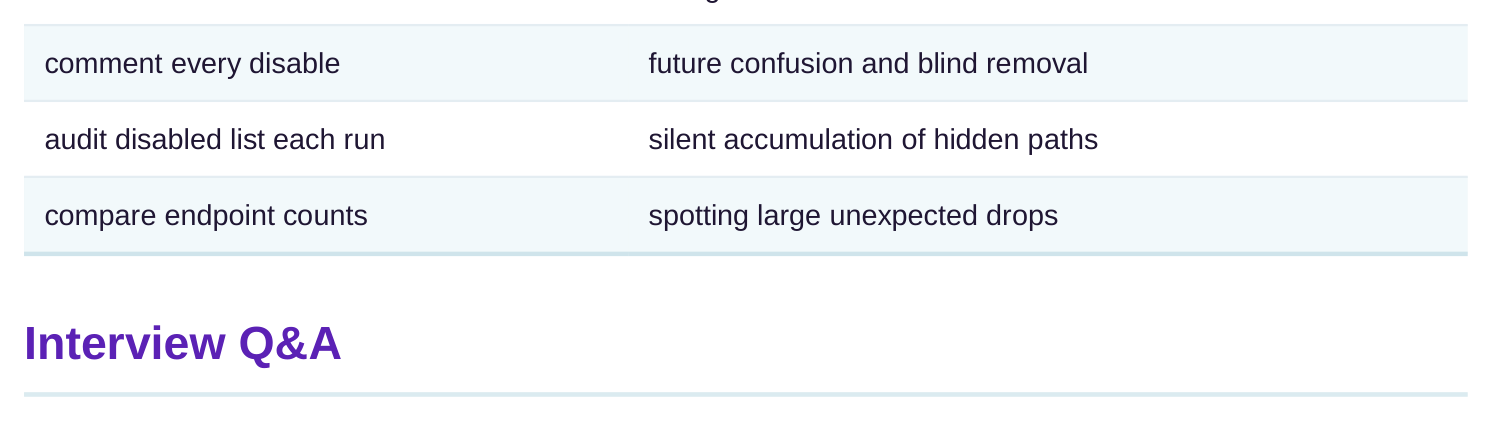
Disabling is powerful and that makes it dangerous. Every arc you remove deletes some paths. If you remove too much, you delete paths that are real. The tool then reports clean timing that is wrong. The chip can fail even though the report looks fine. Three habits keep you safe. First, disable the narrowest thing that solves the problem. Prefer a single -from / -to arc over a whole cell. Prefer a whole cell over a pin that feeds many cells. Second, write a comment next to every disable. Say why the arc is dead. A future reader must know the reason. Third, audit the disabled list every run.
# illustrative — names vary by tool
report_disabled_arcs
report_timing -from [get_pins ctrl_reg/CLR] -nworst 5
The second command checks whether anything still tries to use the arc you disabled. If a real path needed that arc, this report helps you see what you lost. A worked illustration. An engineer disables a whole mux cell to break a loop. The loop opens. But the mux also carried a real data path with 5.61 ns of delay to a key flop. That path is now gone from every report. Months later the chip fails at that flop. The fix would have been to disable only the one feedback arc with -from / -to , leaving the 5.61 ns data arc alive. The lesson is to disable the smallest unit that works, and to check what each disable removes.
| Safe habit | What it prevents |
|---|---|
| narrowest disable | killing real arcs with a broad command |
another inside a cell or across a net. The tool follows arcs to build paths. Disabling an arc stops the tool from tracing through that point.
the current job, like an unused reset or an inactive scan arc. Disabling matches the analysis to the job. Accidental loops, by contrast, should be fixed in the netlist, not masked with a disable.
itself with no flip-flop inside. The tool tries to trace it and never reaches an end. The tool must break the ring somewhere, and its automatic choice may cut a path you care about.
feedback arc only holds the value. Cutting the feedback arc opens the ring while keeping the real data path whole, so the endpoint still gets timed.
including arcs that carry real data. Those paths vanish from reports while the chip still relies on them. The fix is to disable the narrowest arc that solves the problem.
every disable with its reason, and read the disabled-arcs report each run. Compare endpoint counts before and after to catch large unexpected drops.
Key Takeaways
- A timing arc is a delay relationship the tool traces, and set_disable_timing removes one arc, pin, or cell from analysis without changing the silicon.
- Use -from and -to for surgical breaks, so you cut one arc and keep other real arcs in the same cell alive.
- Combinational loops have no flip-flop and never end, so break them yourself at the feedback arc before the tool breaks them at a path you need.
- Disabling can silently delete real paths, so prefer the narrowest disable and always audit the disabled-arcs report each run.
- Comment every disable with its reason, because a future reader must understand why an arc is dead before trusting or removing it.
Comments
Leave a Reply