 ChipBuddy
← Home
ChipBuddy
← Home
Clock Uncertainty & Margins
Clock Uncertainty & Margins (Deep)
No clock is perfect. Its edges wobble in time. The exact moment an edge arrives at a flop is never known to the picosecond. To stay safe, timing analysis pads the budget with a guard band. That guard band is clock uncertainty. This chapter goes deep on set_clock_uncertainty . It separates setup uncertainty from hold uncertainty. It explains what uncertainty bundles together: skew, jitter, and extra margin. It shows how to shrink uncertainty after the clock tree is built. And it covers inter-clock uncertainty between different clocks.
What Uncertainty Is and Why It Exists
Clock uncertainty is a chunk of time subtracted from the available budget. It represents the things that can make a clock edge arrive earlier or later than the ideal. Think of it as a safety pad. The tool does not know the exact edge time, so it assumes the worst within a band. If the band is 0.21 ns, the tool assumes the edge could be up to 0.21 ns off in the bad direction.
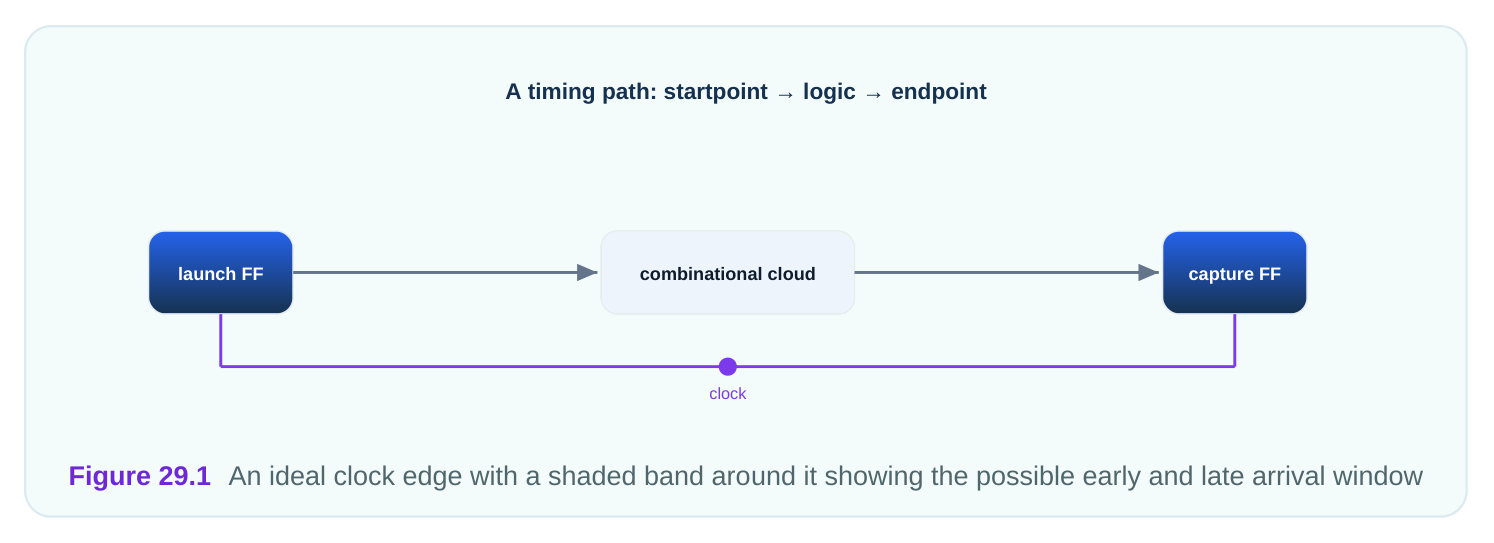
Uncertainty makes the check stricter. For setup, it shortens the available time. For hold, it widens the required hold window. Either way, the design must work even if the edge lands at the worst point in the band. The command is set_clock_uncertainty . Its value is in time units. You apply it per clock, or between clock pairs.
# standard SDC — portable across compliant tools
create_clock -name main_clk -period 2.74 [get_ports clk_in]
# one value applied to both setup and hold
set_clock_uncertainty 0.21 [get_clocks main_clk]
That single value, 0.21 ns, is removed from the setup budget and added to the hold requirement on every path clocked by main_clk.
Separate Setup and Hold Uncertainty
A single uncertainty value is a blunt tool. Setup and hold care about different things. So most flows set them separately. Setup uncertainty should hold the worst case for the setup check: jitter that delays the capture edge, plus skew that hurts setup, plus design margin. Hold uncertainty should hold the worst case for the hold check, which is often smaller because hold cares about a narrow same-cycle window. The -setup and -hold switches split the value. You set a larger pad for setup and a smaller pad for hold.
# standard SDC — portable across compliant tools
# split uncertainty by check type
set_clock_uncertainty -setup 0.23 [get_clocks main_clk]
set_clock_uncertainty -hold  0.07 [get_clocks main_clk]
Why is hold uncertainty usually smaller? Because hold does not include the cycle-to-cycle jitter that setup does. Jitter is the wobble between one edge and the next. Hold compares two edges close in
time, often the same edge for launch and capture, so the jitter mostly cancels. Setup compares edges a full period apart, so jitter fully counts.
| Check | Typical pad | Includes jitter? | Why |
|---|---|---|---|
| Setup | Larger (0.23 ns) | Yes, full | Edges a period apart |
| Hold | Smaller (0.07 ns) | Mostly no | Edges close, jitter cancels |
Using one value for both wastes margin. A 0.23 ns hold pad would be far too pessimistic and could force needless hold fixes. Splitting them keeps each check honest.
What Uncertainty Bundles Together
Uncertainty is not one thing. It is a bag of several effects rolled into one number. Knowing what is inside helps you set the right value. Skew is the difference in clock arrival time between two flops. The launch flop and capture flop may get the edge at slightly different times. Before the clock tree is built, skew is unknown, so it goes into uncertainty as an estimate. Jitter is the cycle-to-cycle wobble of the clock source. The period is never exactly constant. One period might be 2.74 ns and the next 2.71 ns. Jitter goes into uncertainty as a fixed pad. Margin is extra safety the team chooses to add. It covers modeling error, aging, and things not otherwise captured. It is a deliberate cushion.
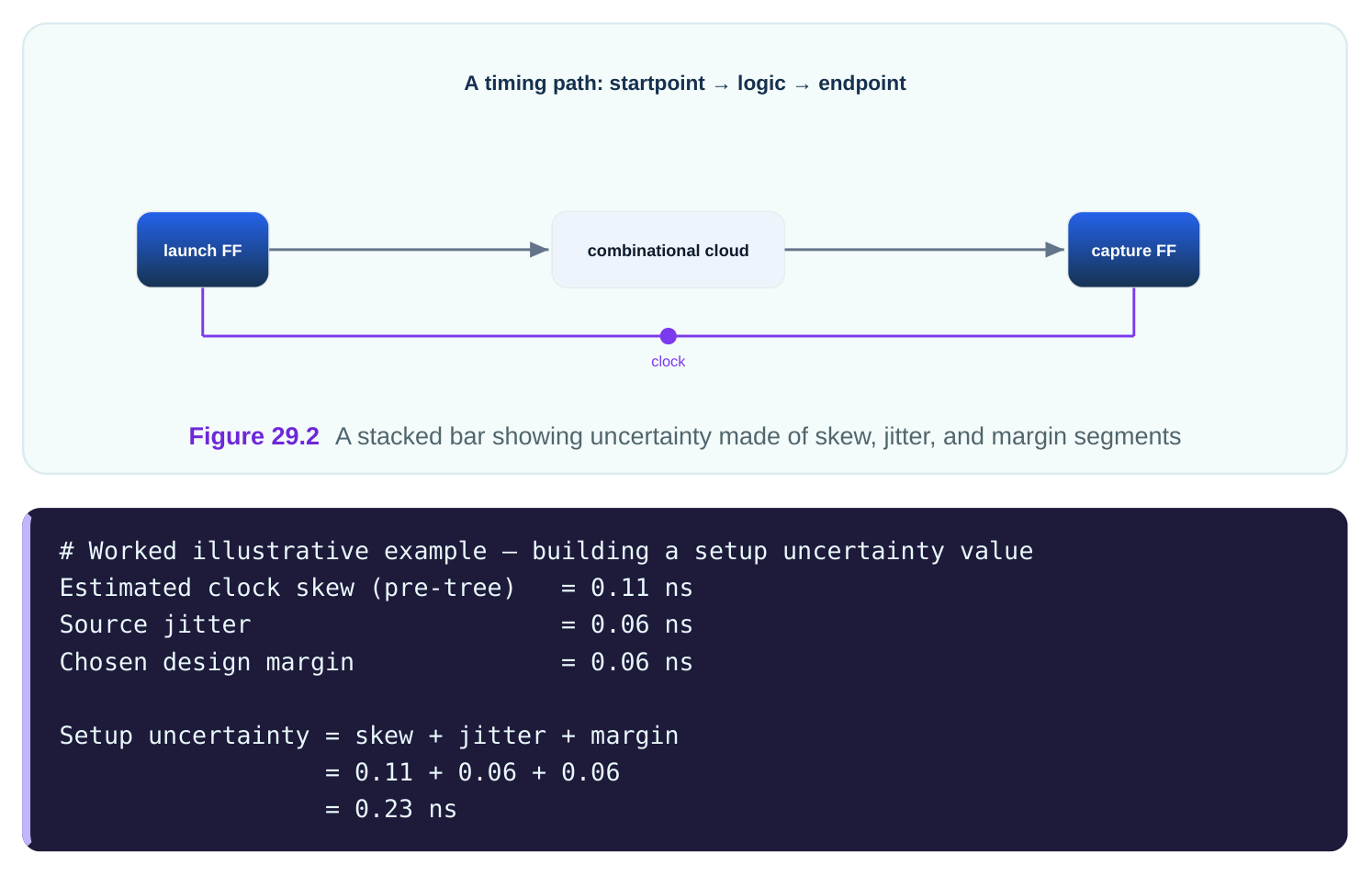
So the 0.23 ns setup uncertainty is not arbitrary. It is the sum of three real concerns. When any one changes, the value should change.
| Component | What it is | Pre-tree | Post-tree |
|---|---|---|---|
| Skew | Arrival difference between flops | Estimated | Measured, drops |
| Jitter | Cycle-to-cycle wobble | Fixed pad | Same |
| Margin | Chosen cushion | Fixed | Often kept |
Reducing Uncertainty After the Clock Tree
Before the clock tree is built, skew is a guess. You pad uncertainty heavily to be safe. After the tree is built, the tool knows the real skew from the actual buffers and wires. The estimated skew is no longer needed in the uncertainty number. So after the tree, you reduce uncertainty. You drop the skew estimate, because real skew now comes from the propagated clock itself. You keep jitter and margin, because those are not modeled by the tree.
# standard SDC — portable across compliant tools
# after the tree is built, skew is real; shrink the pad
set_propagated_clock [get_clocks main_clk]
set_clock_uncertainty -setup 0.12 [get_clocks main_clk]
set_clock_uncertainty -hold  0.04 [get_clocks main_clk]
The setup pad dropped from 0.23 ns to 0.12 ns. The 0.11 ns skew estimate left the number, because real skew is now in the propagated tree. Only jitter and margin remain. This reduction is important. Carrying a pre-tree skew pad after the tree is built double-counts skew. The tree gives real skew, and the pad adds estimated skew on top. That is too pessimistic and can fail paths that actually pass.
| Stage | Skew source | Uncertainty includes skew? | Example setup pad |
|---|---|---|---|
| Pre-tree (ideal) | Estimate | Yes | 0.23 ns |
| Post-tree (propagated) | Real tree | No | 0.12 ns |
A worked look at the gain from shrinking the pad:
# Worked illustrative example — slack gain from reducing uncertainty
Clock period                    = 2.74 ns
Data path delay                 = 2.31 ns
Capture flop setup time         = 0.13 ns
Pre-tree setup uncertainty      = 0.23 ns
Pre-tree slack  = 2.74 - 2.31 - 0.13 - 0.23 = 0.07 ns
Post-tree setup uncertainty     = 0.12 ns
Post-tree slack = 2.74 - 2.31 - 0.13 - 0.12 = 0.18 ns
The same path gains 0.11 ns of slack just by using the right post-tree uncertainty. No logic changed. Only the pad shrank to match reality.
Inter-Clock Uncertainty
So far the uncertainty was within one clock. But paths often cross between two clocks. The uncertainty between two different clocks can differ from the within-clock value. Inter-clock uncertainty is the pad applied to paths that launch on one clock and capture on another. You set it with -from and -to clocks. This lets you use a different pad for cross-clock paths than for same-clock paths. Why different? Two clocks may come from separate sources with their own jitter. Or they may share part of a tree and have correlated skew. The right pad depends on how related they are.
# standard SDC — portable across compliant tools
# uncertainty between two related clocks crossing each other
set_clock_uncertainty -setup 0.19 \
-from [get_clocks clk_p] -to [get_clocks clk_q]
set_clock_uncertainty -hold  0.06 \
-from [get_clocks clk_p] -to [get_clocks clk_q]| Path type | Uncertainty source | Typical relationship |
|---|---|---|
| Same clock | One source's jitter and skew | Smaller pad |
| Related clocks | Shared tree, separate jitter | Medium pad |
| Loosely related | Mostly independent | Larger pad |
A common mistake is to forget inter-clock uncertainty entirely. Then cross-clock paths use a default that may be wrong. Another mistake is to set the same generous value everywhere, wasting margin on same-clock paths. Set each relationship to match how the clocks actually relate. To check what the tool is using, you report it.
# illustrative — names vary by tool
report_clock_uncertainty
report_timing -setup -from [get_clocks clk_p] -to [get_clocks clk_q]
The reports show the pad on each path so you can confirm the value matches your intent for that clock pair.
Interview Q&A
band of time that represents how much an edge may arrive off-ideal. The tool subtracts it from the setup budget and adds it to the hold requirement. With a 0.21 ns uncertainty, every setup path on that clock loses 0.21 ns of available time and every hold path needs 0.21 ns more margin.
Setup uncertainty includes full cycle-to-cycle jitter, since setup compares edges a period apart, so it is larger, say 0.23 ns. Hold uncertainty is smaller, say 0.07 ns, because hold compares edges close in time, so jitter mostly cancels. One shared value would force needless hold fixes.
flops; jitter, the cycle-to-cycle wobble of the source; and margin, a chosen safety cushion. For example, 0.11 ns skew plus 0.06 ns jitter plus 0.06 ns margin gives a 0.23 ns setup uncertainty. Each piece is a real concern, so the value should change when any piece changes.
an estimate baked into uncertainty. After the tree, the propagated clock provides real skew, so the estimate must leave the pad to avoid double-counting. You drop the skew portion and keep jitter and margin. A setup pad might fall from 0.23 ns to 0.12 ns, recovering about 0.11 ns of slack.
propagated tree already provides real skew, and the leftover pad adds estimated skew on top. The check becomes too pessimistic. Paths that actually pass may report as failing, leading to wasted effort fixing nonexistent problems.
applied to paths that launch on one clock and capture on another, set with -from and -to . You use it because cross-clock pairs may have different jitter and skew correlation than same-clock paths. A related pair might use 0.19 ns setup, while same-clock paths use less. Forgetting it leaves cross-clock paths on a possibly wrong default.
Key Takeaways
- Clock uncertainty is a guard band that shortens the setup budget and widens the hold requirement to cover edge wobble.
- Set setup and hold uncertainty separately; setup is larger because it includes full jitter, hold is smaller because jitter mostly cancels.
- Uncertainty bundles skew, jitter, and margin; the value should be the deliberate sum of those three, not an arbitrary number.
- Shrink uncertainty after the clock tree is built by dropping the skew estimate, since the propagated tree now supplies real skew.
- Inter-clock uncertainty sets a separate pad for cross-clock paths with
-from/-to, matching how related the two clocks truly are.
Comments
Leave a Reply