 ChipBuddy
← Home
ChipBuddy
← Home
Operating Conditions & PVT Corners
Operating Conditions & PVT Corners
A chip does not behave the same way in every situation. It runs hotter or cooler. Its supply voltage rises or sags. The factory makes some chips a little faster and some a little slower. All of these shift gate delays. A gate that takes 0.062 ns in one situation may take 0.094 ns in another. Timing must hold across the whole range, not just one nice case. The set of conditions a chip faces is captured as "operating conditions." The three main knobs are process, voltage, and temperature. Together they are called "PVT." A specific choice of all three is a "corner." This chapter explains the corners, why setup and hold lean on opposite corners, and how corners link to your constraints and libraries.
What Process, Voltage, and Temperature Mean
"Process" is the factory variation. No two wafers are identical. Some transistors come out fast, some slow. The library captures this as named process points, often "slow," "typical," and "fast." Slow process means weaker transistors and larger delays. Fast process means stronger transistors and smaller delays. "Voltage" is the supply level. Higher voltage drives gates harder, so they switch faster. Lower voltage slows them down. A supply may be specified at a nominal level with a tolerance, such as 0.812 V plus or minus a margin. The low end of the supply gives slow gates. The high end gives fast gates.
"Temperature" is the chip's heat. For most older nodes, hot meant slow and cold meant fast. On modern nodes the effect can flip, so cold can be slow for some cells. This flip is called "temperature inversion." Because of it, you cannot assume hot is always worst. You must check both temperature ends.
| Knob | Slow-leaning end | Fast-leaning end |
|---|---|---|
| Process | slow corner | fast corner |
| Voltage | low supply | high supply |
| Temperature | hot (or cold on some nodes) | cold (or hot on some nodes) |
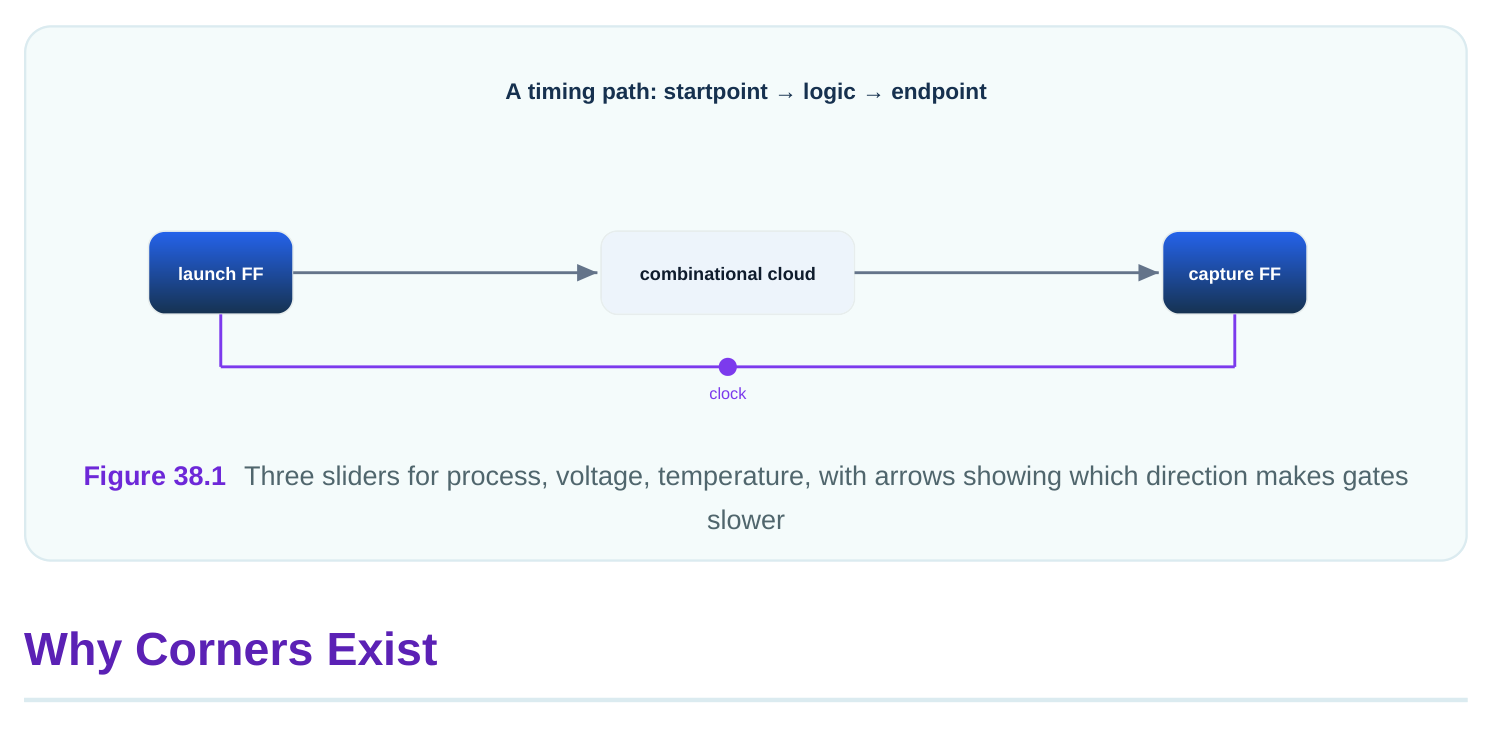
A corner bundles one choice of each knob into a single named condition. The point of a corner is to test a worst case or a best case all at once. You do not check every possible mix. You check the corners that matter. A made-up corner table makes this concrete. The numbers below are invented for illustration.
| Corner name | Process | Voltage | Temperature | Use |
|---|---|---|---|---|
| ss_low_hot | slow | 0.756 V | 118 C | setup |
| ss_low_cold | slow | 0.756 V | -28 C | setup, inversion check |
| ff_high_cold | fast | 0.891 V | -28 C | hold |
| ff_high_hot | fast | 0.891 V | 118 C | hold |
| tt_nom | typical | 0.812 V | 27 C | reference only |
The slow corners push delays up. The fast corners push delays down. The typical corner is a reference. You rarely sign off on the typical corner alone, because the real chip lives near the edges, not at the center.
Why Setup Uses Slow and Hold Uses Fast
This is the heart of corner thinking. Setup and hold are two different checks, and they fear opposite things. A "setup" check asks whether data arrives early enough before the clock edge. Data must be ready before the flop captures it. The enemy of setup is slow logic. If the data path is too slow, data arrives late and misses the edge. So setup is hardest when gates are slowest. That is the slow process, low voltage corner. You check setup there because that is when data is most likely to be late. A "hold" check asks whether data stays stable long enough after the clock edge. Data must not change too soon. The enemy of hold is fast logic. If the data path is too fast, new data races through and corrupts the value the flop just grabbed. So hold is hardest when gates are fastest. That is the fast process, high voltage corner. You check hold there because that is when data is most likely to arrive too early.
| Check | What it fears | Worst PVT direction | Corner family |
|---|---|---|---|
| setup | data too late | slow gates | slow / low V |
| hold | data too early | fast gates | fast / high V |
A worked illustration. A path has a required setup time and a data arrival time. In the slow corner the data takes 4.318 ns and the clock period is 4.500 ns, so setup slack is positive 0.182 ns. Good. Now check hold in the fast corner. The same path now takes only 0.241 ns, while the hold requirement is 0.190 ns. Hold slack is positive 0.051 ns. Good. If you had only checked the typical corner, the path would have shown delay near 1.6 ns. That single number tells you nothing about either real risk. You need both corners. There is a subtle point. Temperature inversion can move the true worst setup corner to cold. So a careful flow checks setup at both hot and cold slow corners. The principle stays the same: setup wants the slowest delay, wherever that occurs.
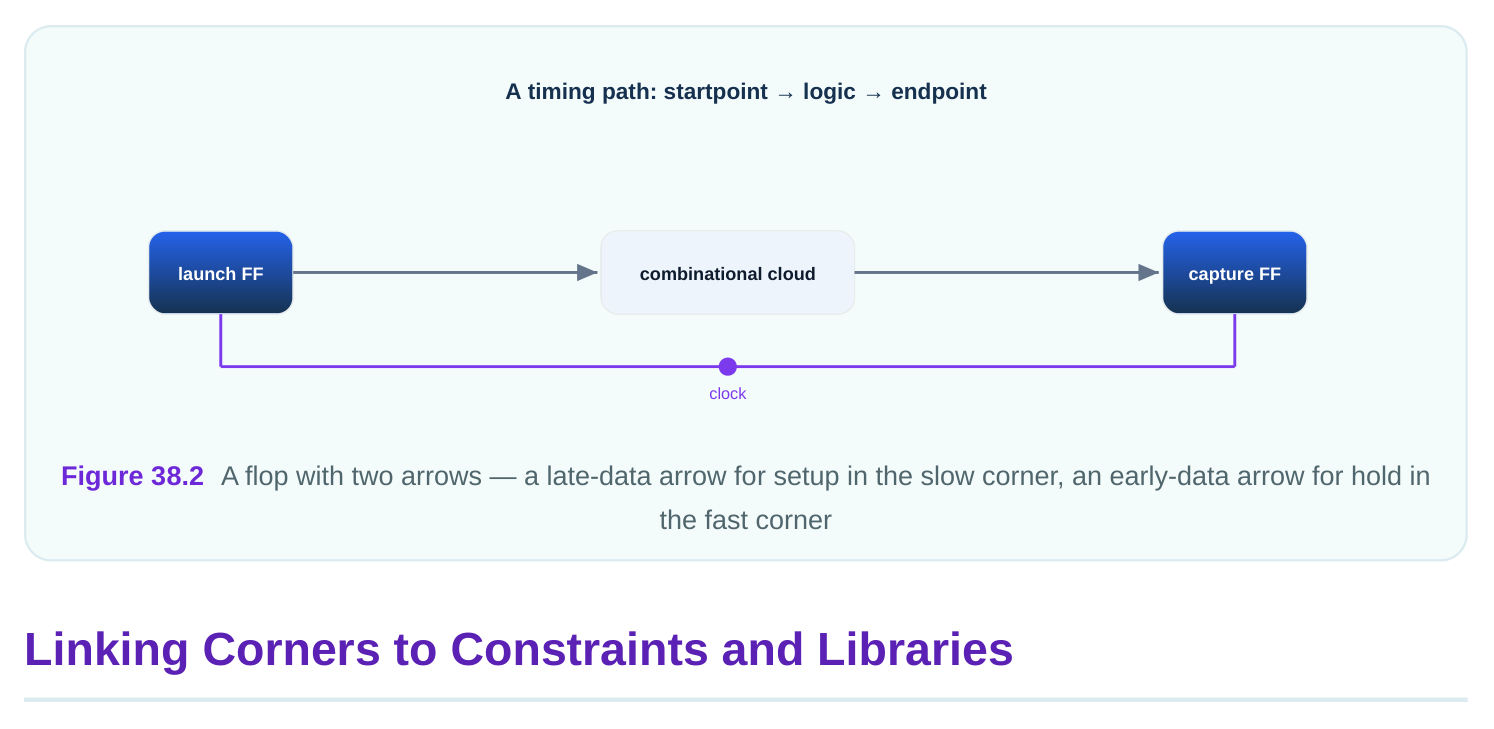
A corner is not just a name. It points to data. Two things define a corner in practice. First, the cell library characterized at that condition. A "library" is a file that lists each cell's delay at one PVT point. The slow library holds the slow delays. The fast library holds the fast delays. Second, the operating condition setting, which tells the tool which point to use. In older flows you might name the operating condition directly in the constraint file. The command sets the process, voltage, and temperature label that the tool maps to a library.
# standard SDC — portable across compliant tools
set_operating_conditions -max ss_low_hot -min ff_high_cold
Here -max names the slow condition used for the longest delays, which drives setup. The -min names the fast condition used for the shortest delays, which drives hold. One run can carry both, with the tool using the right one for each check. In modern flows the corner is usually built from explicit library sets outside the SDC, then tied to the constraints by the run setup. The SDC itself stays mostly corner-neutral. The same logical constraints, the clocks and the path exceptions, apply across corners. Only the delay data changes per corner.
# illustrative — names vary by tool
read_liberty -max libs/cells_ss_0756_118.lib
read_liberty -min libs/cells_ff_0891_m28.lib
report_timing -delay_type max -nworst 10
report_timing -delay_type min -nworst 10
The first two lines load the slow and fast libraries. The last two report the worst setup paths and the worst hold paths. Notice that the clocks and exceptions live in the SDC, while the delay numbers live in the libraries. Keeping them apart lets you reuse one SDC across many corners.
| Lives in the SDC | Lives in the library / corner setup |
|---|---|
| clock definitions | per-cell delays at one PVT |
| input/output delays | rise and fall slews |
| false and multicycle paths | cell power and leakage |
| clock uncertainty intent | min and max delay values |
A worked illustration. You write one SDC with a clock period of 4.500 ns. You run it against the slow library for setup and the fast library for hold. The clock, the constraints, and the exceptions never change. Only the delay numbers swap. Setup uses the slow delays; hold uses the fast delays. This is why a clean, corner-neutral SDC is so valuable. It works everywhere.
Choosing Which Corners to Sign Off
You cannot check every mix of process, voltage, and temperature. The list explodes fast. So you choose a small set of corners that bound the real behavior. The goal is to cover the worst setup and the worst hold while keeping the run count sane. A simple selection rule helps. Pick the slowest condition for setup and the fastest for hold. Add a cold setup corner if temperature inversion applies. Add corners for any special supply mode, such as a lowpower voltage. Drop corners that can never be worse than one you already check.
| Corner | Why keep or drop |
|---|---|
| slow / low V / hot | keep — classic setup worst |
| slow / low V / cold | keep — inversion setup worst |
| fast / high V / cold | keep — classic hold worst |
| typical / nom / 27 C | drop for signoff — never the worst |
| slow / high V / hot | drop — high V helps setup |
A worked illustration with numbers. A design has 2 process points, 3 voltages, and 3 temperatures. That is 18 raw combinations. Most are redundant. After applying the rule, you keep 4 corners: two slow setup corners and two fast hold corners. You drop the other 14 because each is bounded by a corner you already check. Run count falls from 18 to 4 with no loss of coverage. This pruning is the everyday craft of corner selection.
# illustrative — names vary by tool
# a small signoff corner set
foreach corner {ss_low_hot ss_low_cold ff_high_cold ff_high_hot} {
run_timing_for_corner $corner
}
The loop runs the chosen corners. The names are local labels, so the tag marks this as illustrative. The principle is portable even when the command names are not.
Interview Q&A
variation in transistor speed. Voltage is the supply level. Temperature is the chip's heat. All three shift gate delays, and a corner picks one value for each.
make the data path slowest, so late arrival is most likely there. Checking setup in the slow corner catches the worst late-data case.
through. Fast gates make the data path quickest, so early arrival is most likely there. Checking hold in the fast corner catches the worst early-data case.
faster. This flips the old "hot is slow" rule. Because of it, you check setup at both hot and cold slow corners to find the true worst delay.
clocks, input and output delays, and path exceptions. The library holds the per-cell delays at one PVT point. The same SDC is reused across corners while only the delay data changes.
Real chips live near the supply and temperature limits. The typical corner shows neither the worst setup nor the worst hold, so it cannot prove the design works at its limits.
Key Takeaways
- PVT corners bundle one process, voltage, and temperature into a named condition that shifts every gate delay together.
- Setup is checked in the slow corner and hold in the fast corner, because setup fears late data and hold fears early data.
- Temperature inversion can make cold the worst setup case, so careful flows check setup at both hot and cold slow corners.
- The SDC stays corner-neutral while libraries carry the delays, which lets one clean constraint file be reused across every corner.
- Smart corner selection prunes a large grid to a few bounding corners, cutting run count without losing worst-case coverage.
Comments
Leave a Reply